VX-4
For a small app, personal project or development environment.
₹893/mo
Billed monthly · Excludes GST
View VX-4 & availability- 2 vCPU Intel/AMD
- 4 GB RAM
- 40 GB NVMe SSD
- 20 TB traffic
- Dedicated IPv4 included
 On VoloWeb VPS
Deploy your projects from Git or Docker. Manage applications, databases and domains together on your own VPS.
EasyPanel paid licences and assisted installation are separate unless included in your order.
 GitHub→
 Docker→
 EasyPanel
Selected Intel/AMD options from our VPS range. Compare locations and current availability before ordering.
For a small app, personal project or development environment.
Billed monthly · Excludes GST
View VX-4 & availabilityExtra memory for apps running alongside a database or worker.
Billed monthly · Excludes GST
View VX-8 & availabilityMore resources for several services and larger project builds.
Billed monthly · Excludes GST
View VX-16 & availabilityPrices and specifications above match the listed VPS plans. Location, architecture and stock vary. EasyPanel licences, backup storage and management services are not included unless your order says otherwise.
EasyPanel gives you a browser interface for app deployments and their supporting services. Keep project settings together instead of managing every container separately.
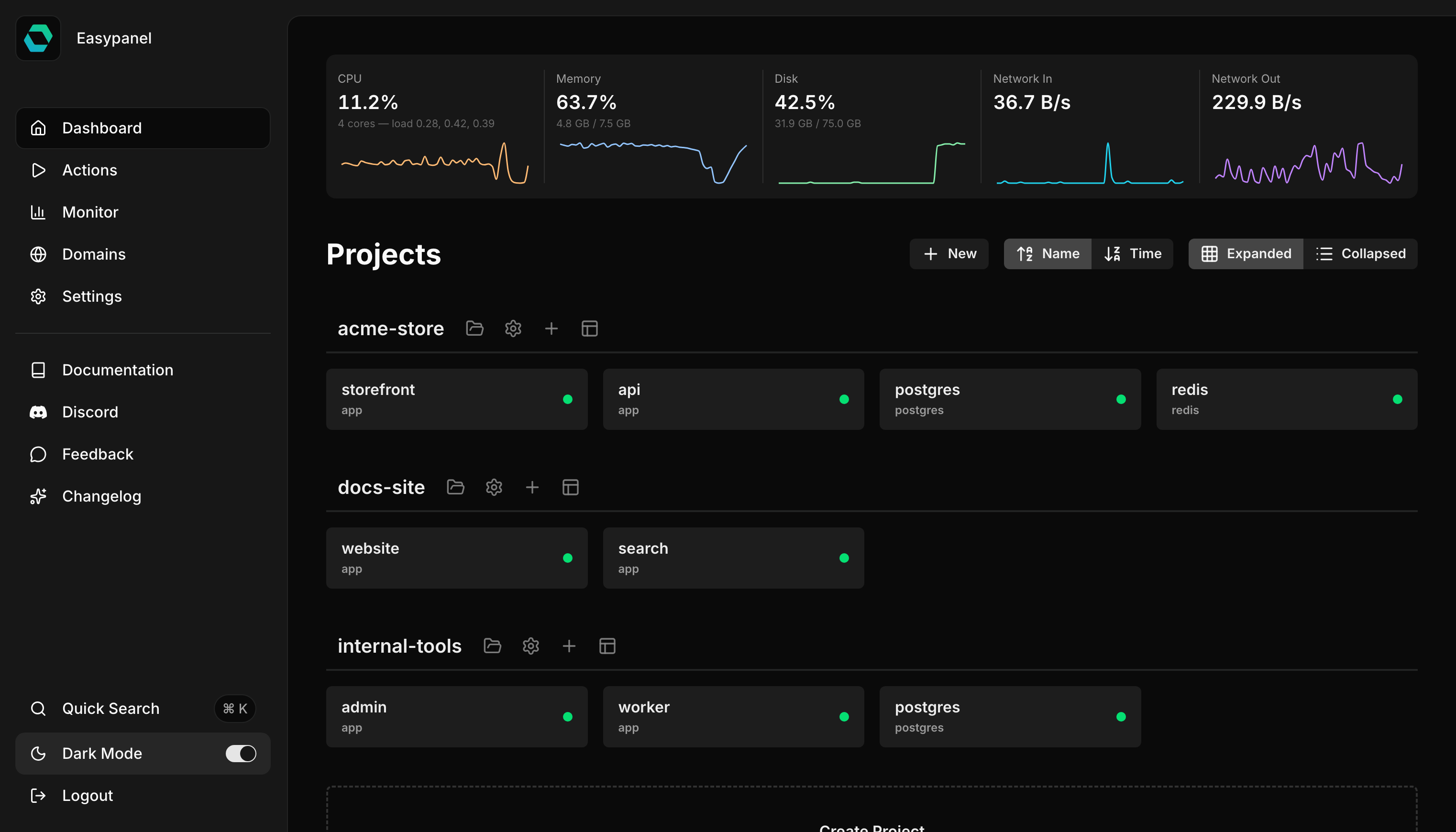
EasyPanel’s official project dashboard in dark mode.
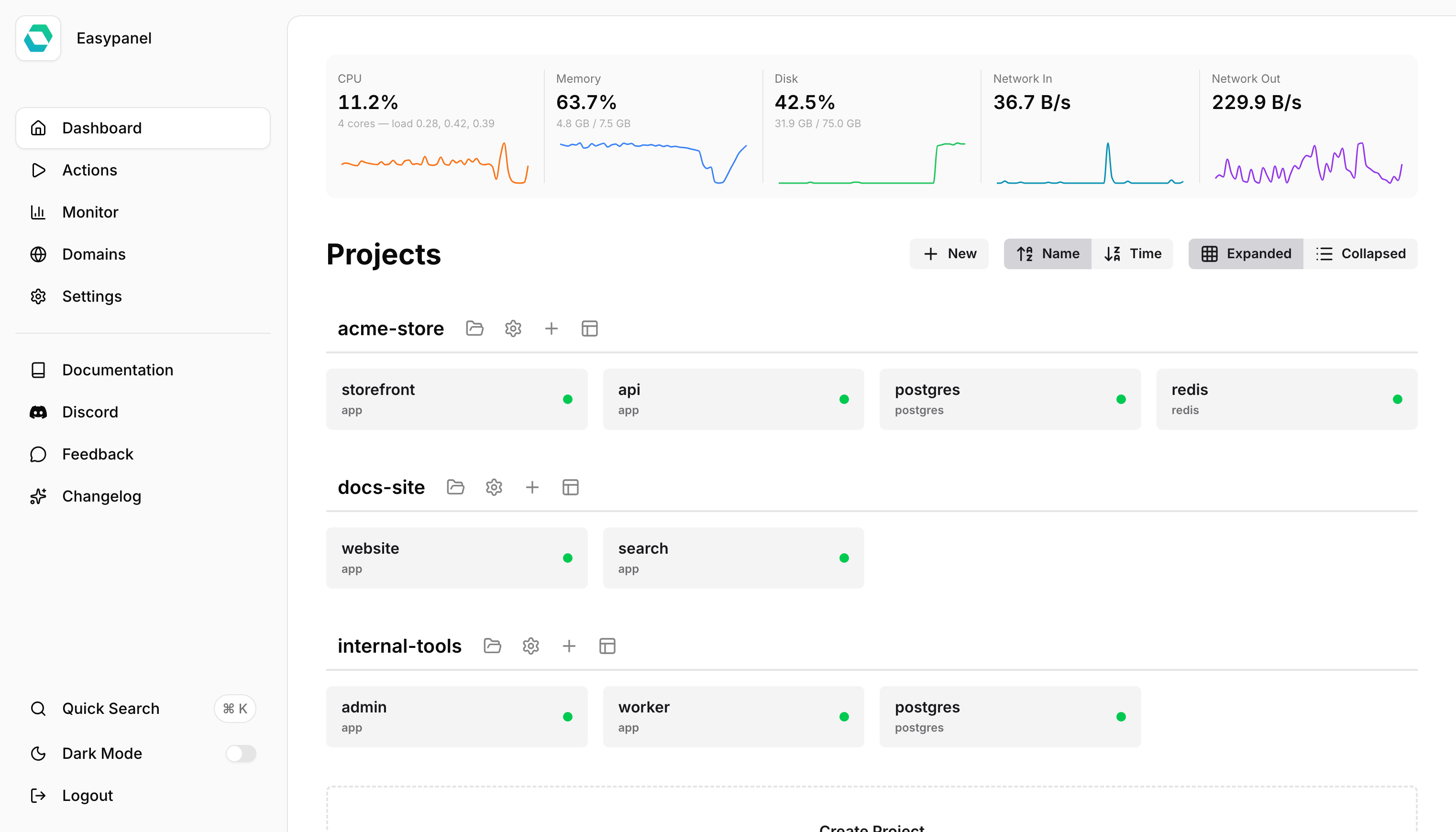
The same official dashboard in light mode.
Your project stackGitHubConnect your source
DockerDeploy container images
 PostgreSQL
Database services
 WordPress
Website applications
Bring your application and supporting services into the same panel. Choose a VPS with enough resources for the whole workload, including builds and databases.
Need backups or team features? Compare EasyPanel’s current tiers and arrange off-server storage where required.
Compare all VPS optionsUse a fresh Ubuntu server with root access, at least 2 GB RAM, and ports 80 and 443 available.
Pick a location and plan from the VPS page. Allow extra RAM for databases and build processes.
Follow the official guide on a fresh server. Confirm assisted installation with our team if you want help.
Create your services, connect your domain and verify the app before going live.
Read the current requirements first. Use a separate VPS rather than installing over an existing Plesk or cPanel server.
Read the official installation guide →curl -sSL https://get.easypanel.io | shEasyPanel runs on your own server. It suits projects that need their own app services and a configurable environment.
| Your requirement | Start here |
|---|---|
| A standard website with less server administration | Shared hosting |
| Custom containers, app services and root access | VPS + EasyPanel |
| A server managed for you | Confirm management coverage |
It means using EasyPanel to deploy and manage services on your VPS. VoloWeb provides the server; EasyPanel provides the application-management interface.
Pre-installation is not automatically included by this page. Confirm assisted setup with our team before ordering, or use the official installation guide on a fresh server.
Not unless your order explicitly includes one. EasyPanel offers a free tier and paid options. Check its current limits and feature coverage before selecting a licence.
Coverage depends on the services you order. Confirm backup storage, restore procedures, security updates and ongoing server management with VoloWeb.
Use a separate fresh VPS and plan the migration of applications, databases, DNS and backups. EasyPanel is not installed as an extension inside Plesk or cPanel.
Available locations depend on the selected VPS plan. Choose from the locations shown on the VPS page and confirm availability at ordering.
Compare the VPS range or ask us which resources fit your application.
Choose your VPSTalk to our teamEasyPanel is third-party software. See its current licensing and documentation. VPS orders follow VoloWeb’s refund policy.